


Get the bundle

AI-assisted playbooks for agencies, consultants and studios with 2–20 people

Stop Throwing Money Away.
Keep What You Earn

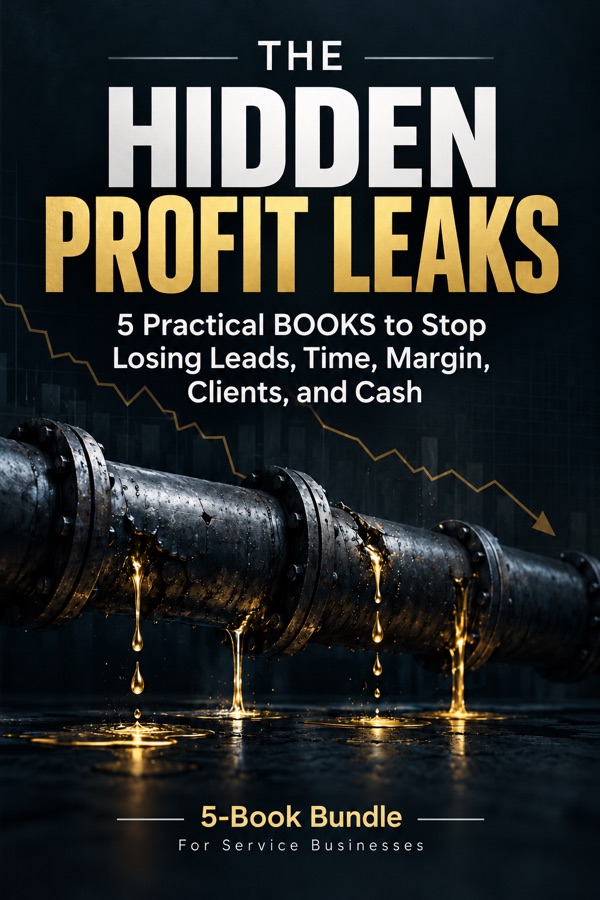
The Hidden Profit Leaks: the 5-book bundle Bonus: The AI Quick Wins Kit, the guided app and 10 Excel files

Find and fix 5 hidden profit leaks in your business. Take back control.

  • 1 app that guides you through each fix
  • 32 ready-to-use AI prompts
  • Use the AI you already have
  • 5 practical e-books with step-by-step guides

10 Excel files · One-time payment · No subscription

How common the leaks are

What the research says

1 in 2B2B invoices in the US were overdueAtradius Payment Practices Barometer, US 2024
52%of projects had scope creep: work grew beyond what was agreedPMI Pulse of the Profession, 2018
60×more likely to qualify a lead when you reply within an hour instead of after 24 hours or moreHarvard Business Review, 2011 · Study of 1.25 million leads across 42 companies
23%of companies never answered a web inquiry at allHarvard Business Review, 2011 · Audit of 2,241 US companies

What a leak looks like

A good lead. Lost in one weekend.

From Book 1.

  1. Friday, 4:52 pm

    A good lead writes in. Big project. They want to decide this month.

  2. Monday, 3:05 pm

    The owner finally replies. Two other firms answered on Friday.

  3. After the sales call

    The proposal goes out 9 days later. $31,000.

  4. Then

    Nothing. Nobody follows up.

  5. Months later

    “You were our favorite. But we never heard back.”

Nobody was lazy. Every step made sense. That's how a leak works: you never see it on an invoice.

Calculator

How much profit is slipping away?

Type your own numbers. You get a rough answer right away.

Rough estimate. Not a promise.

One good lead is worth about $1,950 in profit to you.

Potential profit at stake: $17,600

Based on your numbers, slow replies may be putting this much potential profit at risk. Not every late reply costs you a deal. But every missed opportunity deserves a closer look.

See the book that fixes it →

How it works

  1. 1

    Find your biggest profit leak.

    Start with that book. You can read one in an evening.

  2. 2

    Open the app.

    It shows what to do today.

  3. 3

    Use AI to draft it. Review it. Send it.

    With the ChatGPT, Claude or Gemini you already have.

See one prompt work

A Friday 4:52 pm lead. Answered in minutes.

Prompt B2 from Book 1, filled in with the example from the book. You paste it into your own AI tool, read the draft and send it.

You paste this Prompt B2 · Fast first reply
Draft a short first reply to a new business inquiry.

Today's date and time: Friday, March 14, 5:05 p.m.
Our time zone: Eastern.
About us: Harbor & Pine is a small web design and development studio.
Approved past-project facts we may mention:
Hartwell Industrial: rebuilt their site with a searchable catalog of about 3,000 parts.
Open call slots (offer two of these, exactly as written):
Tuesday 10:00 a.m.; Tuesday 3:00 p.m.; Wednesday 2:00 p.m.
Calendar link: harborandpine.example/call
My name: Marcus

The inquiry:
I'm the marketing director at a regional distributor of commercial heating and cooling equipment (140 people). Our website is from 2017, and our sales team has stopped sending customers to it. We need a full rebuild: a new structure, a product catalog our dealers can actually search, and a quote request form that reaches a real person. We'd like to choose an agency this month. – Dana Ruiz

Requirements:
- Under 90 words.
- Mention one specific detail from their message so they know a person read it.
- If one approved past-project fact is clearly relevant, mention it in one sentence.
- Offer exactly two of the open call slots, with the time zone, plus the calendar link as a fallback.
- Plain, warm, professional tone. No exclamation marks.
- Do not mention prices, timelines, or availability beyond the slots above.
Your AI writes this Draft, unedited

Hi Dana,

Thanks for the details. A catalog your dealers can actually search sounds like the heart of this project. We recently rebuilt Hartwell Industrial's site with a searchable catalog of about 3,000 parts, so we know that ground well.

Could we talk on Tuesday at 10:00 a.m. or Wednesday at 2:00 p.m. Eastern? If neither works, pick any time here: harborandpine.example/call.

Best,
Marcus

You read it, fix anything that sounds wrong, and send it. Plan on a few minutes, most of it reading.

The books

Five leaks. Five practical fixes.

Each book has the fix, AI prompts, a ready-made spreadsheet and a 30-day plan. Drag a book to turn it. Open it to see what's inside.

Book 1 of 5The Lead That Went ColdThe hidden cost of slow responses, lost inquiries, and broken follow-up.
The Lead That Went Cold

Introduction

At 4:52 on a Friday afternoon in March, a message arrived in Harbor & Pine's general inbox. It came through the contact form on their website. The sender was Dana Ruiz, marketing director at a regional distributor of commercial heating and cooling equipment.

Keep reading in the book →
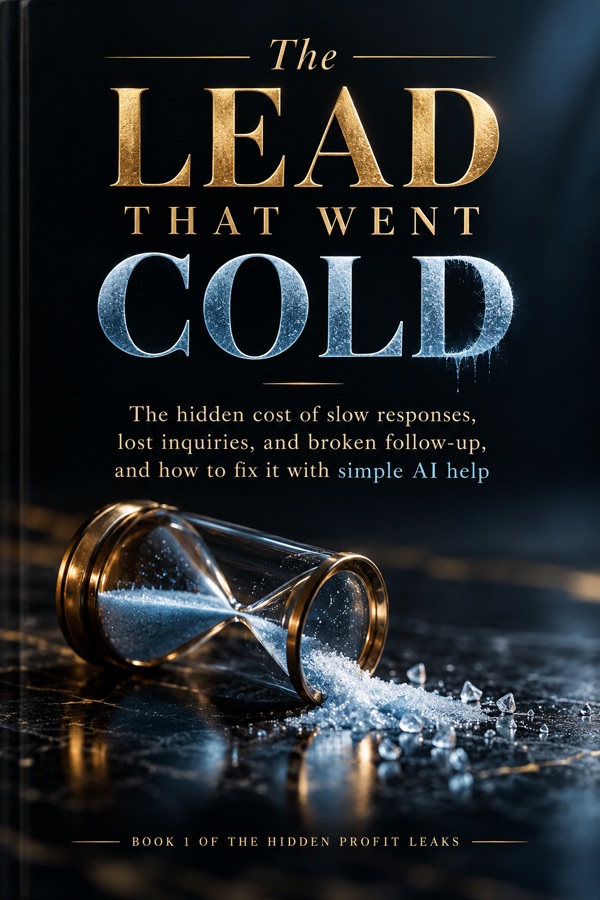
Cover of Book 1: The Lead That Went Cold

Book 1

Contents

  1. The $31,000 Proposal Nobody Followed Up
  2. 1The 90-Day Lead Autopsy
  3. 2The Response-Time Problem
  4. 3Qualifying Without Losing Good Leads
  5. 4The Follow-Up Nobody Sent
  6. 5Measuring Recovered Opportunities
  7. 6Your 30-Day Plan

Book 1

The Lead That Went Cold

The leak: Good leads wait too long. Then they go with someone faster.

You'll learn to:

  • Reply fast, even on a busy day.
  • Let AI help you sort new leads.
  • Follow up without feeling pushy.
8 AI promptsLead spreadsheet30-day plan
Example studio: work hours until a good lead gets a reply161.5
Book 2 of 5The Deal You Lost Before You Hit SendHow to get from a good sales call to a signed agreement faster.
The Deal You Lost Before You Hit Send

Introduction

The call with Leah Ortiz went better than Marcus expected. At the end of the call, Leah asked the question every owner wants to hear: “So what are the next steps?” “I'll put a proposal together,” Marcus said. “You'll have it by Friday.”

Keep reading in the book →

Cover of Book 2: The Deal You Lost Before You Hit Send

Book 2

Contents

  1. The Deal You Lost Before You Hit Send
  2. 1Where the Days Go
  3. 2Never Start From a Blank Page
  4. 3The Price Mistakes AI Must Never Make
  5. 4Getting to “Yes” on Their Side
  6. 5What Actually Changed
  7. 6Your 30-Day Plan

Book 2

The Deal You Lost Before You Hit Send

The leak: Your proposal is late, or has a mistake in it. They pick someone else.

You'll learn to:

  • Send proposals in 2 days instead of 5.
  • Price proposals consistently. Catch costly mistakes before you hit send.
6 AI promptsProposal spreadsheet30-day plan
Example studio: days from sales call to proposal52
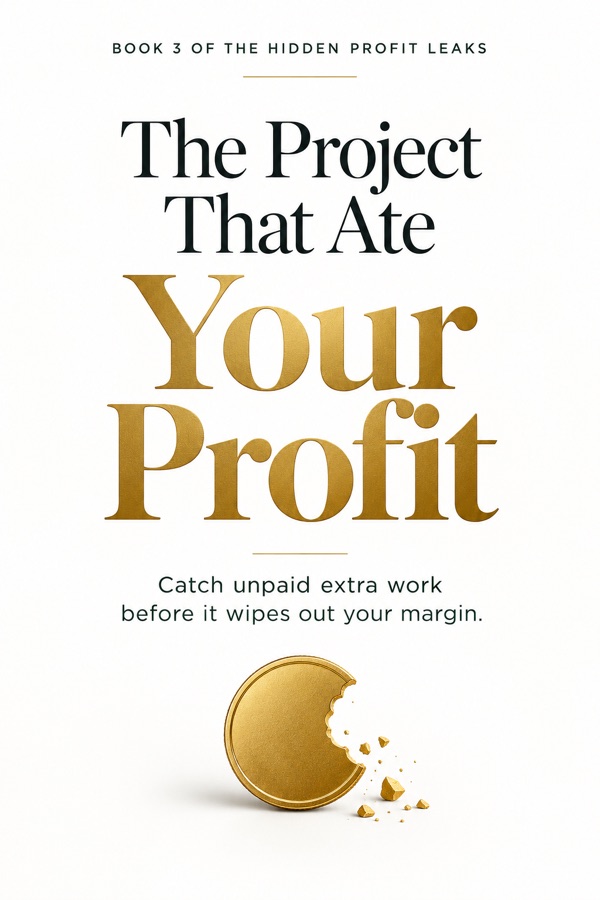
Book 3 of 5The Project That Ate Your ProfitHow to spot unpaid extra work before it eats your profit.
The Project That Ate Your Profit

Introduction

Everyone at Harbor & Pine liked Juniper Payroll. They were the kind of client every agency hopes for. They answered emails the same day. They paid the first invoice early. On April 21, Dee wrote: “Quick question. Could we add a payroll cost calculator page? Nothing fancy. Should be quick.”

Keep reading in the book →

Cover of Book 3: The Project That Ate Your Profit

Book 3

Contents

  1. The Project That Ate Your Profit
  2. 1Where the Money Went
  3. 2Spotting Extra Work Early
  4. 3The Polite Way to Charge for Extra Work
  5. 4Watching the Numbers While the Project Runs
  6. 5What Actually Changed
  7. 6Your 30-Day Plan

Book 3

The Project That Ate Your Profit

The leak: “Just one small thing.” Then another. You end up working for free.

You'll learn to:

  • Spot extra work the day it's asked for.
  • Say “that's extra” and keep the client happy.
  • Catch budget overruns before they eat into your profit.
  • Give favors on purpose, not by accident.
6 AI promptsProject spreadsheet30-day plan
Example studio: free hours per project364
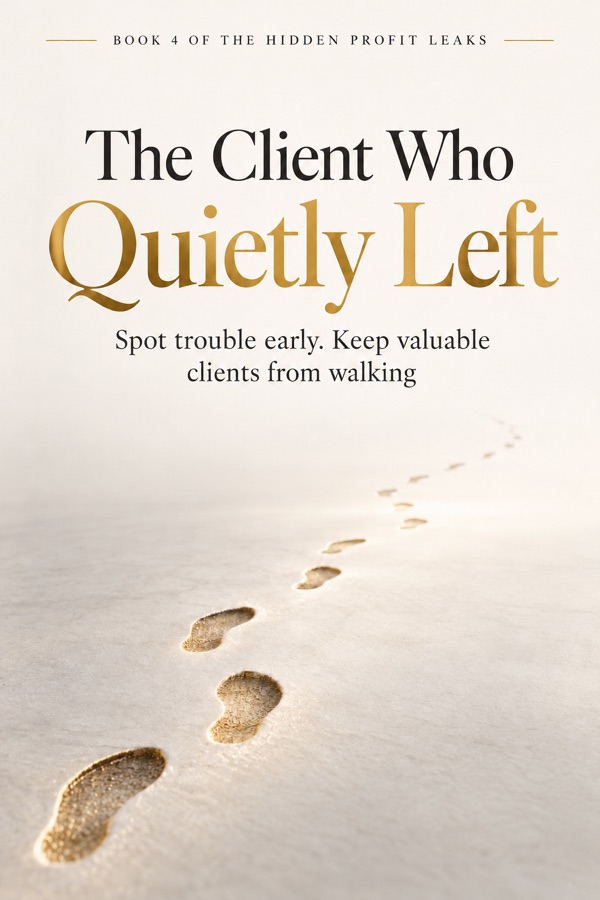
Book 4 of 5The Client Who Quietly LeftHow to notice when a good client is drifting away.
The Client Who Quietly Left

Introduction

Holloway Logistics had been a Harbor & Pine client for almost a year. Their main contact, Ana, used it well. Four or five requests a month. A short call every few weeks. In March, Ana left Holloway for a job at another company.

Keep reading in the book →

Cover of Book 4: The Client Who Quietly Left

Book 4

Contents

  1. The Client Who Quietly Left
  2. 1Look Back at Who Left
  3. 2The Six Signals
  4. 3The Monthly Client Health Check
  5. 4The Conversation That Keeps a Client
  6. 5What Actually Changed
  7. 6Your 30-Day Plan

Book 4

The Client Who Quietly Left

The leak: A good client goes quiet. No complaint. Then a short email: “We're leaving.”

You'll learn to:

  • Spot 6 warning signs early.
  • Check all your clients in 20 minutes a month.
  • Start the conversation before your clients walk away.
6 AI promptsClient spreadsheet30-day plan
Example studio: warning signs caught in time03 of 4
Book 5 of 5Profitable on Paper, Broke on FridayHow to get paid faster and see cash problems before they hit.
Profitable on Paper, Broke on Friday

Introduction

Friday, June 26, was payday at Harbor & Pine. Every other Friday, $10,000 left the business account for wages. At 8:15 that morning, Marcus opened the bank app to approve the payroll. The account showed $6,200.

Keep reading in the book →

Cover of Book 5: Profitable on Paper, Broke on Friday

Book 5

Contents

  1. Broke on Friday
  2. 1Profit Is Not Cash
  3. 2Find the Money Stuck in Your Invoices
  4. 3Reminders That Know When to Stop
  5. 4The 13-Week Cash Forecast
  6. 5What Actually Changed
  7. 6Your 30-Day Plan

Book 5

Profitable on Paper, Broke on Friday

The leak: The work is done. The invoice is sent. The money still isn't in your bank.

You'll learn to:

  • Get paid faster with friendly reminders.
  • Spot cash shortfalls weeks before they hit.
6 AI promptsCash spreadsheet30-day plan
Example studio: days until clients pay3120

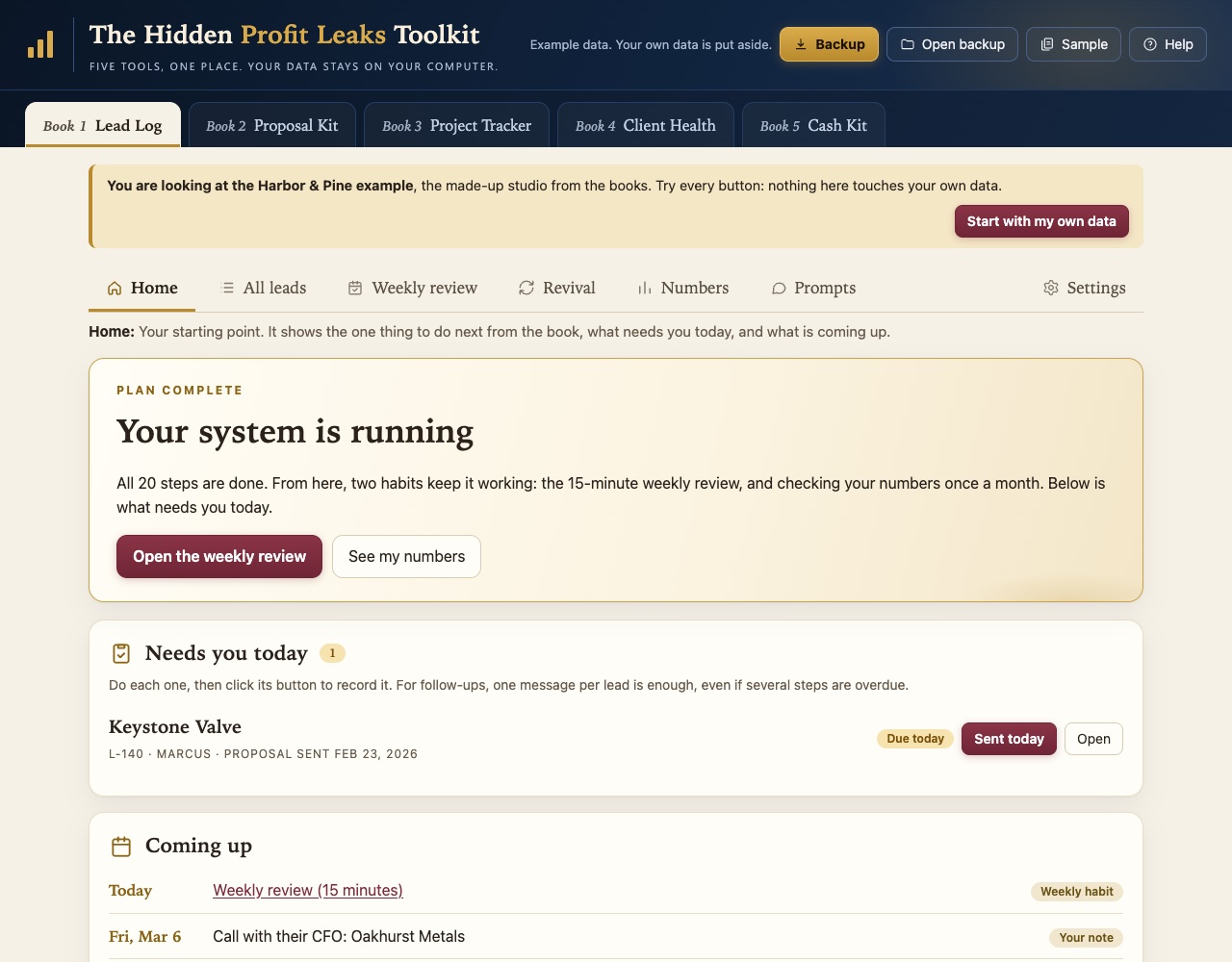
Bonus, included: the AI Quick Wins Kit

Stop guessing what to fix next.

Turn five practical playbooks into a step-by-step action plan.

Know what needs your attention today, track your progress, and put the fixes into practice.

No account. No subscription. Your data stays in your browser.

  • All 5 tools and all 32 AI prompts, ready to use.
  • Example data, so you can try it first.
  • Save a backup file anytime.
  • Like Excel better? You also get 5 empty spreadsheets and 5 filled-in examples.

Use the included prompts with ChatGPT, Claude, or Gemini. The app doesn’t send messages or contact AI for you: you copy a prompt into your own AI tool, and you review every draft before anything is sent.

App: Leads tool, what needs you today

Screenshots use the included example data. Click the screen to enlarge it.

AI writes. You approve.

You get the draft in minutes.

Your AI tool writes it. Nothing goes out until you've read it.

Your numbers set the price.

AI writes the words. Your spreadsheet does the math.

You control what you share.

Remove names and other identifying details before you paste anything into an AI tool.

Five before-and-after scenarios

See how practical changes can improve lead response times, proposal turnaround, project margins, client retention, and cash flow.

1
LeadsMarcus, founder · Book 1

16 work hours1.5work hours until a good lead got a reply

Before

A good lead wrote in Friday at 4:52 pm. Marcus replied Monday afternoon. Two other firms had answered on Friday.

After

A reply rule and a lead log that shows who is waiting. Good leads now get an answer the same day.

2
ProposalsMarcus, founder · Book 2

5 days2days from sales call to proposal

Before

“You'll have it by Friday.” He started from an old proposal for another client and sent it the following Wednesday.

After

A proposal template and a spreadsheet that does the prices. AI drafts the words, never the numbers.

3
ProjectsPriya, project manager · Book 3

36 free hours4unpaid extra hours per project

Before

Juniper was a lovely client. Of 78 extra hours on their project, 68 went to small requests that were never in the proposal.

After

Every request goes into a log. Priya sent a change note, and the client approved $3,000 and 20 hours.

4
ClientsMarcus, founder · Book 4

0 of 43 of 4warning signs caught in time

Before

Holloway paid $1,500 a month. Their contact left, the new one went quiet, and nobody acted. The care plan ended on May 31.

After

A 20-minute monthly check of every client, with a simple green, yellow or red status.

5
CashMarcus, founder · Book 5

31 days20days until clients pay

Before

Payroll morning: $6,200 in the bank, while clients owed Harbor & Pine $62,150.

After

Friendly reminders on a fixed schedule and a 13-week cash forecast that shows tight weeks early.

These examples illustrate the methods and spreadsheets included in the books, not actual customer results.

The examples on this page come from Harbor & Pine, a fictional studio in the books.

Is it for you?

Yes, if you…

  • run an agency, studio or consultancy with 2–20 people
  • run an IT, accounting, architecture, engineering or recruiting firm
  • sell projects or monthly work worth thousands
  • still do sales yourself, between client work

No, if you…

  • sell mainly to consumers
  • want software that emails clients without you seeing it first
  • want a promise of guaranteed income

The bundle

The 5 books + the AI Quick Wins Kit

  • The 5 books, one for each leak
  • 32 AI prompts, ready to copy
  • A 30-day plan in every book

Included bonus

The AI Quick Wins Kit

  • The guided browser app. All 5 tools, and each book's 30-day plan step by step. See the app
  • 10 Excel files from the books. 5 empty templates and 5 filled-in examples.

Instant digital download: the books as PDF files, the app as one file that opens in your browser, and the Excel files.

$270One-time payment, plus tax where due

No subscription. Instant digital access.

Get instant access

Sold only as a bundle. Payment through JVZoo. No voluntary change-of-mind refunds; statutory rights stay unaffected.

Questions

What exactly do I get for $270?

Right after payment you get your order confirmation and access to your download. You get: the 5 books as PDF files, and the bonus AI Quick Wins Kit, which is the guided app and the 10 Excel files (5 empty templates and 5 filled-in examples).

Why not just use ChatGPT on my own?

You can, and you will: every draft comes from your own AI tool. What a blank chat doesn't tell you is what to do this week. The app shows who is waiting and what is overdue, and each of the 32 prompts is built for that exact step, with rules that stop the AI from promising prices or dates.

Do I need a paid AI subscription?

No special plan is needed. The prompts are plain text that you paste into any common AI tool, like ChatGPT, Claude or Gemini. Use the one you already have.

Will the app send emails automatically?

No. The app doesn’t send messages or contact AI for you. You copy a prompt into your own AI tool, review the draft and send it yourself.

How much time will this take?

You can read a book in an evening. Most weeks in the 30-day plans take about 2–3 hours. The first week can take longer while you enter your existing records.

What if the books don’t work for my business?

They are written for service businesses with 2–20 people that sell projects or monthly work. Check the “Is it for you?” list above, and open the books on this page to see what’s inside before you buy. We don’t promise any income or profit. For refunds, see “Can I get a refund?” below.

Do I need new software?

The included app runs in your browser, with no installation or account. Use the Excel files instead if you prefer. For AI-written drafts, use your own ChatGPT, Claude or Gemini account.

Do I have to read them in order?

No. Each book works on its own. Start with the leak that hurts most.

Does the app work on Mac, Windows and iPad?

Yes on Mac and Windows: the app is one file that opens in Chrome, Edge, Firefox or Safari, with no installation or account. On an iPad or phone, read the books and use the Excel files; the app is made for a computer screen.

How do I keep my app data safe?

Save a backup file after each working session. Your entries stay in your browser; clearing browser data can remove them. Open your saved backup to restore them.

Do I paste client emails into AI?

Only what's needed, with names, contact details and other identifying details removed. Many prompts work from short notes in your own words.

Is Harbor & Pine a real company?

No. It's a made-up studio. The example files let you follow and check the toolkit calculations used in the books.

I'm not in the US. Does it work?

Yes. The books and the app show amounts in US dollars and dates in the US format; the numbers work the same in any currency. Only the legal notes (email, text messages, late fees) follow US rules.

Can I get a refund?

There is no voluntary change-of-mind refund period for purchases through JVZoo. If a file does not work or your download is missing, use JVZoo Find My Order or contact us via our Contact page with your JVZoo receipt number. Your statutory rights are not affected: EU, EEA and UK consumers can withdraw within 14 days unless they expressly agreed to immediate delivery, acknowledged that this ends the withdrawal right and received a confirmation on a durable medium; rights for faulty or undelivered products always remain. A chargeback or PayPal dispute is a separate procedure of your payment provider. Details: Refund policy.

How do I get help?

For order and payment questions, use JVZoo Find My Order or the JVZoo support desk. For download or product questions, contact us via our Contact page with your JVZoo receipt number.

“The leads were never the problem. They were already coming in. The question was only whether anyone would be there when they did.”

From the last page of Book 1

Stop the leaks. Keep what you earn.

Get instant access$270

The video is coming soon

Until then, the five leaks are explained right below.

0:00 0:00